What is an OBD-II device?
Every car made after 1996 has a built-in diagnostic port called OBD2 (On-Board Diagnostics). The car's computer uses it to log fault codes whenever something is wrong – from engine issues to sensor failures to emissions problems. Your free OBD-II device plugs into that port and lets you read those codes directly from your phone, without going to a shop.
Examples of what it can detect:
- P0420 — Catalytic converter below efficiency threshold
- P0301 — Misfire on cylinder 1
- P0171 — Fuel system running lean, bank 1
- Low battery voltage

Create an account with 1800AutoShop and schedule your service appointment. After your service is complete, you'll receive a complimentary OBD-II diagnostic device. Connect it to your vehicle to access fault codes and monitor your car's health from your smartphone, helping you stay ahead of potential issues and reduce the likelihood of unexpected breakdowns.
SIGN UPWhat the device does
Read fault codes
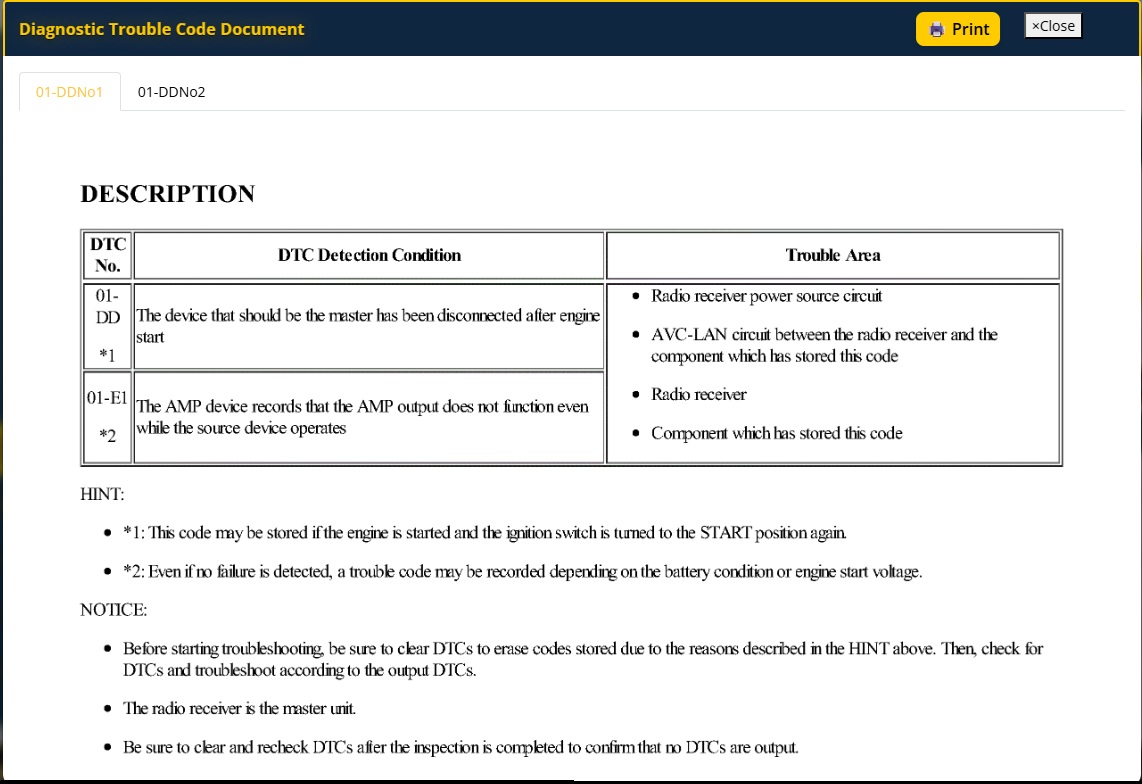
See exactly which fault codes are stored and what they mean, in plain language.
Live engine data
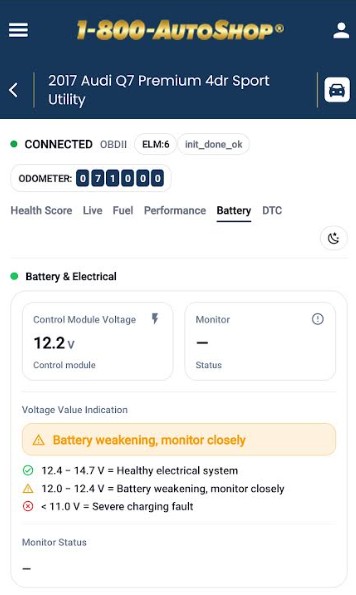
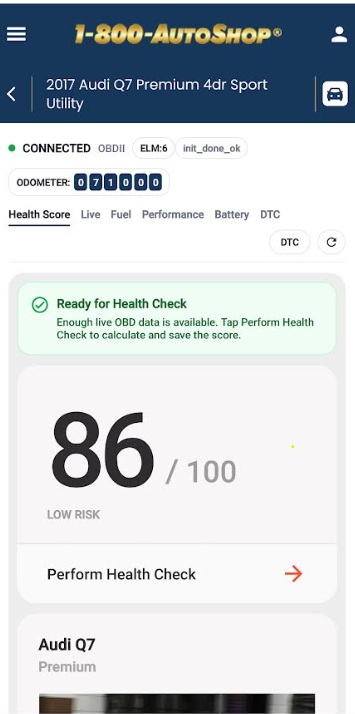
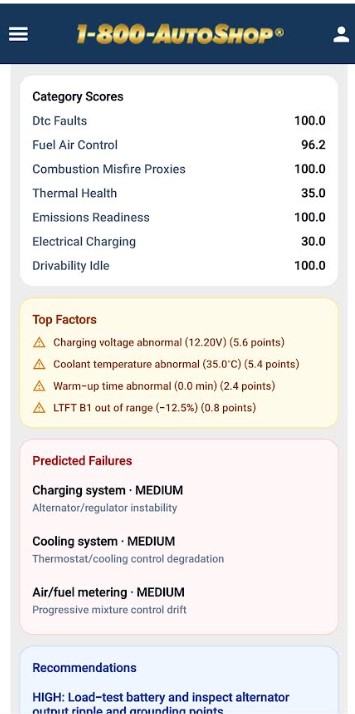
View live engine data including RPM, coolant temperature, fuel efficiency, and throttle position.
Clear fault codes
After a repair is done, you can clear the check engine light yourself from your phone.
Universal compatibility
Compatible with all petrol, diesel, and hybrid vehicles with an OBD2 port – any passenger car made after 1996.
Early warnings
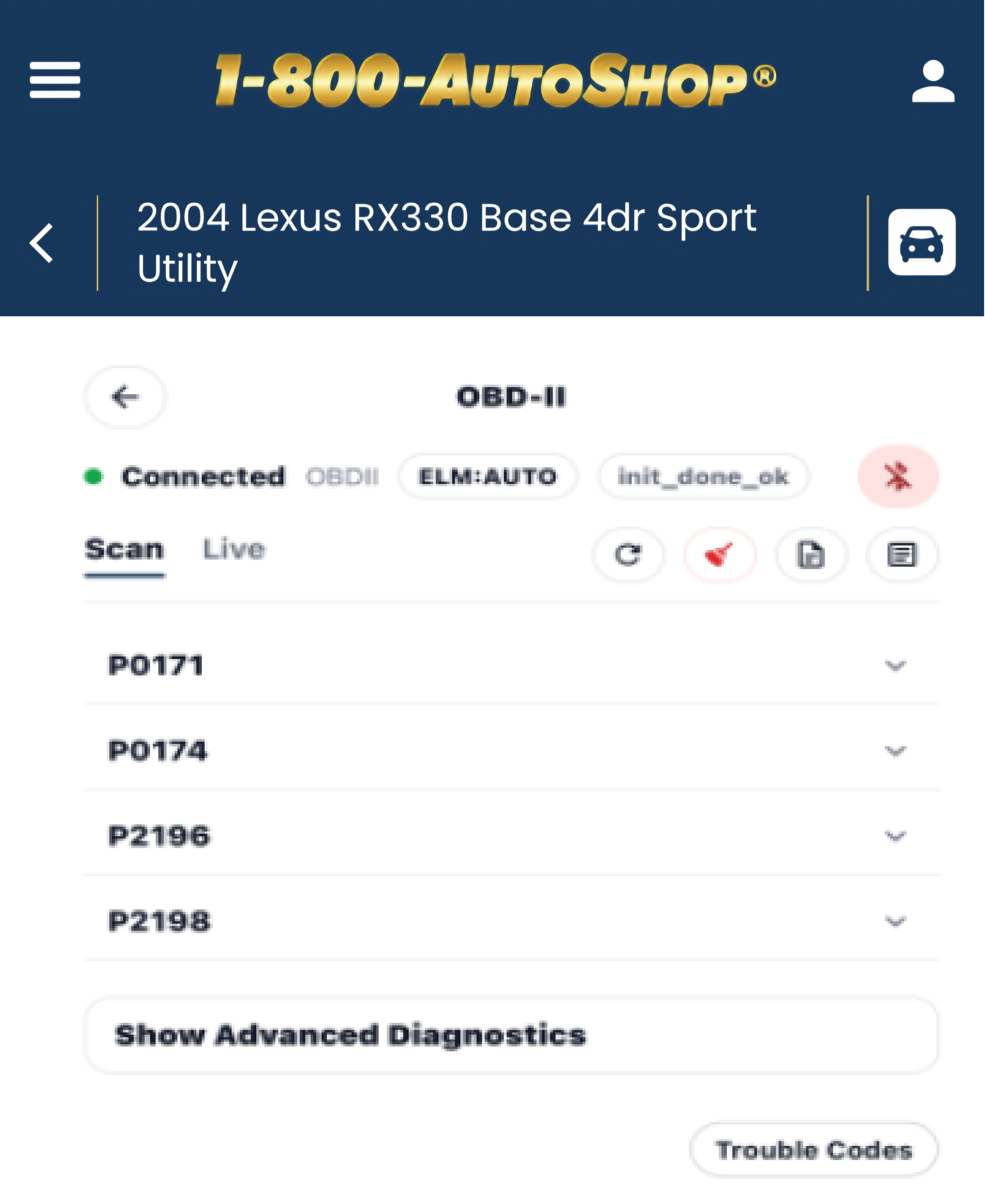
Get notified about issues before they develop into larger, more expensive repairs.
Works with a free app
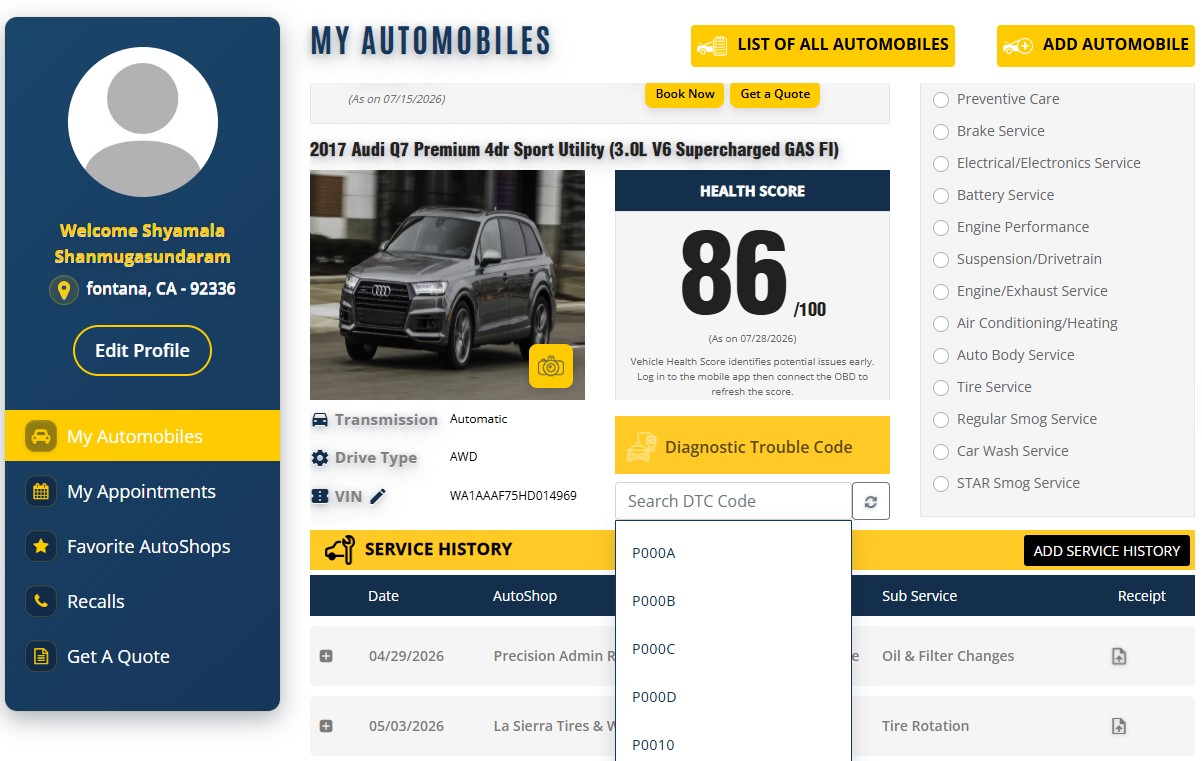
Connects to 1800AutoShop's proprietary free app. No paid subscription needed.
How to set up your OBD-II device
Plug in the device
Download the 1800AutoShop app
Start the engine
Connect through the app
Why having your own OBD-II device is essential
Save on diagnostic fees
Most shops charge $50–$150 to run a diagnostic scan. With your own device, you can do this yourself at no cost.
Go into the shop informed
Knowing what fault codes your car has before visiting a shop means you can have a more informed conversation and verify the work being recommended.
Address problems early
Catching a minor fault early – like a faulty sensor – can prevent it from causing more serious damage down the line.
Track your car's condition
Review your car's diagnostic history over time, which helps with maintenance planning.
Useful when buying used
Before buying a used car, plug in the device to check for any stored fault codes the seller may not have disclosed.
Prepare for emissions testing
Check whether your car has any outstanding fault codes before going for an emissions test to address them in advance.
Car Care, made simple
Drive with confidence
Free to download.
Book your next service appointment and start saving today !!!


 Scan to install
WE’RE HERE TO ANSWER YOUR QUESTIONS
A: Yes. Book your appointment through 1800AutoShop, attend your service, and the shop will give you the device at no charge.
Q: Will it work with my car?
A: It works with any car made in 1996 or later that has an OBD2 port. This covers the vast majority of vehicles on the road today.
Q: Which app should I use?
A: Use your OBD-II device with 1800AutoShop’s proprietary free app for most accurate reporting. The app is available for both iOS and Android devices.
Q: Can I get more than one device?
A: One device per qualifying appointment booking, at participating shops, while supplies last.
Q: Do I need an 1800AutoShop account?
A: Yes. The offer is only available for bookings made through the 1800AutoShop platform. Creating an account is free.